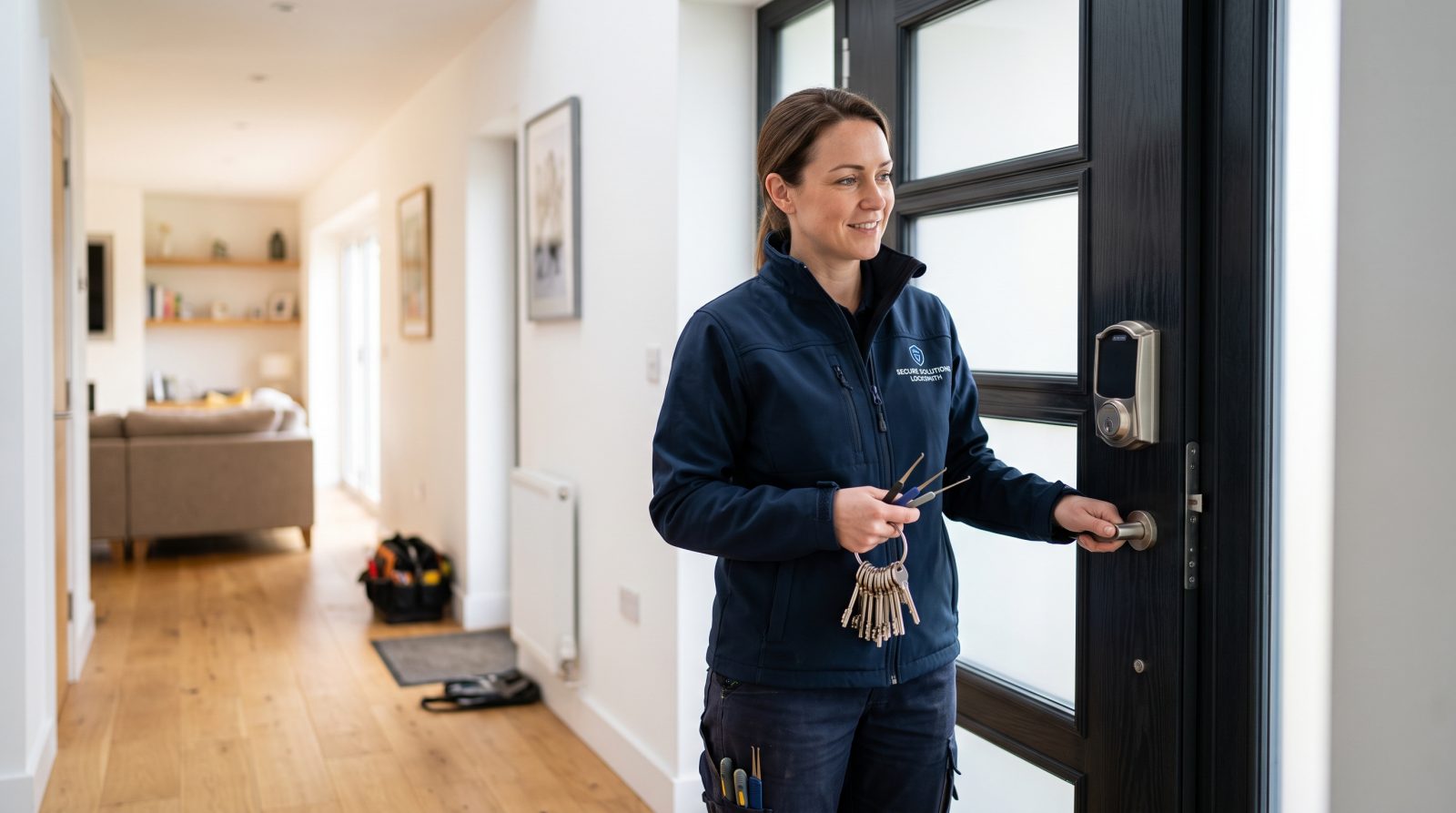
How does a smart lock actually work?
At its core, a smart lock is a motorized version of a standard deadbolt. A small electric motor inside the lock turns the bolt that slides into the door frame, and a controller board decides when to run that motor based on a signal it trusts, such as a correct keypad code, an authenticated phone, a registered fingerprint, or a paired remote.
Most residential smart locks fall into two physical designs. A retrofit (or interior-only) lock keeps your existing deadbolt and exterior keyway and replaces only the thumbturn on the inside of the door, so your house key still works as before. A full-replacement smart deadbolt swaps the entire lock, usually adding a keypad and sometimes a backup keyway on the outside.
Communication is what makes the lock smart. Bluetooth handles short-range phone unlocking at the door; Wi-Fi (built in or through a bridge) lets you control and monitor the lock from elsewhere; and home-automation radios like Z-Wave, Zigbee, and Matter let the lock talk to a hub and other devices. Each action is typically recorded in the app, giving you a timestamped access log.
- Motor and bolt: an internal motor drives the deadbolt instead of your hand
- Controller: verifies the credential (code, phone, fingerprint) before moving the bolt
- Credentials: PIN codes, app/phone, fingerprint, key fob, or physical key backup
- Connectivity: Bluetooth (at the door), Wi-Fi (remote), Z-Wave/Zigbee/Matter (hub-based)
- Power: almost always battery-powered, commonly AA or a rechargeable pack
What are the main types of smart locks?
Smart locks are usually grouped by how you unlock them and how they mount to the door. Knowing the categories makes it easier to match a lock to how your household actually uses the front door.
Keypad locks use a numeric code and are popular because they do not require a phone or app for everyday entry, which is useful for kids, guests, or service visits via a temporary code. App and Bluetooth locks unlock as your phone approaches and suit one or two tech-comfortable adults. Wi-Fi locks add remote control and notifications. Biometric locks read a fingerprint for fast, code-free entry. Many modern locks combine several of these methods in one unit.
Mounting style matters just as much as the unlock method. Retrofit locks are renter-friendly and keep your current key, while full smart deadbolts give you a built-in keypad and a cleaner look but change your exterior hardware.
- Keypad / PIN: enter a code on the door; handy for guest and family access
- Bluetooth / app: phone-based unlocking at close range, no internet needed
- Wi-Fi connected: remote lock/unlock, alerts, and access logs from elsewhere
- Biometric: fingerprint readers for fast, key-free entry
- Retrofit vs. full deadbolt: keep your key and keyway, or replace the whole lock
What do Z-Wave, Zigbee, and Matter mean?
The wireless standard a lock uses determines what it can connect to and how reliable that connection is. This is one of the more confusing parts of shopping for a smart lock, so here is a plain-language breakdown.
Bluetooth is built into your phone and works at the door without any hub, but its range is short and it usually cannot notify you when you are away unless it is paired with a bridge. Wi-Fi connects the lock to your home router for remote access, at the cost of higher battery drain. Z-Wave and Zigbee are low-power mesh standards that require a compatible hub (such as a home-automation controller) and are valued for reliability and long battery life in larger smart-home setups.
Matter is a newer industry standard backed by several major platforms, designed so a single lock can work across different ecosystems instead of being tied to one brand's app. When a lock lists Matter or works with Matter over Thread, it generally means broader cross-platform compatibility. Always confirm the specific platforms a lock supports before buying, because not every Matter feature is supported everywhere yet.
- Bluetooth: no hub, short range, limited remote capability on its own
- Wi-Fi: remote access and alerts, but uses more battery
- Z-Wave / Zigbee: low-power mesh, needs a hub, strong for whole-home automation
- Matter / Thread: newer cross-platform standard aimed at broad compatibility
- Tip: confirm your phone, hub, and ecosystem support the lock before purchase
Are smart locks safe, and what about the batteries?
Physical security and digital security are two separate questions, and a good smart lock has to handle both. On the physical side, look at the deadbolt itself, because its grade, bolt length, and strike-plate hardware matter as much on a smart lock as on a traditional one; an attacker at the door is dealing with the same metal bolt and door frame. A reinforced strike plate with long screws into the door's framing improves resistance regardless of how the lock is operated.
On the digital side, the meaningful protections are practical: use a unique, strong PIN and a strong app password, enable two-factor authentication if the app offers it, keep the lock's firmware updated, and remove old guest codes you no longer need. Treat your access log as a useful record and review it occasionally.
Batteries are the most common day-to-day issue. Many smart locks run for several months up to about a year on a set of batteries, and most give low-battery warnings through the app or a beep. Some full-replacement deadbolts include a hidden physical keyway or emergency power terminal as a backup; retrofit locks keep your original key. Knowing your lock's backup method before the battery dies helps prevent an avoidable lockout.
- Choose a solid deadbolt and reinforced strike plate; hardware still matters
- Use a unique PIN, strong app password, and two-factor authentication if offered
- Keep firmware updated and delete unused or old guest codes
- Expect several months to about a year of battery life, with low-battery alerts
- Know your backup: physical key, hidden keyway, or emergency power terminal
Should you install a smart lock yourself or hire a locksmith?
Many retrofit smart locks are designed for straightforward DIY installation with a screwdriver, since they reuse your existing deadbolt and keyway. If your door is in good shape and you are comfortable following the included instructions, a retrofit unit is often a reasonable do-it-yourself project.
Professional installation tends to be worth it when the door or existing hardware complicates things: an out-of-square door, a misaligned strike, a non-standard bore hole, a metal or fire-rated door, or a full deadbolt replacement that needs precise alignment so the motor is not fighting the frame. Many older San Jose homes and apartments have settled or weather-shifted doors that throw off bolt alignment, which is a common reason a swap is trickier than it looks. A locksmith can also rekey or set up a matching physical key backup, advise on which lock type fits your door, and confirm the bolt throws fully and smoothly; a misaligned bolt that forces the motor to work harder is a frequent cause of premature battery drain.
For homeowners who want keyless entry but are not sure which standard or mounting style fits their setup, a local Locksmith San Jose assessment can remove the guesswork before you buy. As a general industry range, smart-lock installation labor commonly falls around $75 to $200 depending on the door, the lock, and any adjustments needed. That is a typical range, not a quote, and your actual price depends on your specific situation.
- DIY is reasonable for retrofit locks on a sound, well-aligned door
- Hire a pro for misaligned doors, full deadbolt swaps, or non-standard hardware
- A locksmith can match a physical key backup and confirm the bolt throws fully
- Misaligned bolts strain the motor and drain batteries faster
- Typical installation labor range: about $75 to $200 (a range, not a quote)